Useful info to keep for your PC in case malfunctions and it needed for debugging yourself or by a technician

With Additional Tricks & Tips

PC or Laptop

Brand, Model, Serial Number, Date, and Store purchased

Additional PC Specs/Parts like:

Graphics Cards, PCIe cards others, etc. Models and Serial Numbers

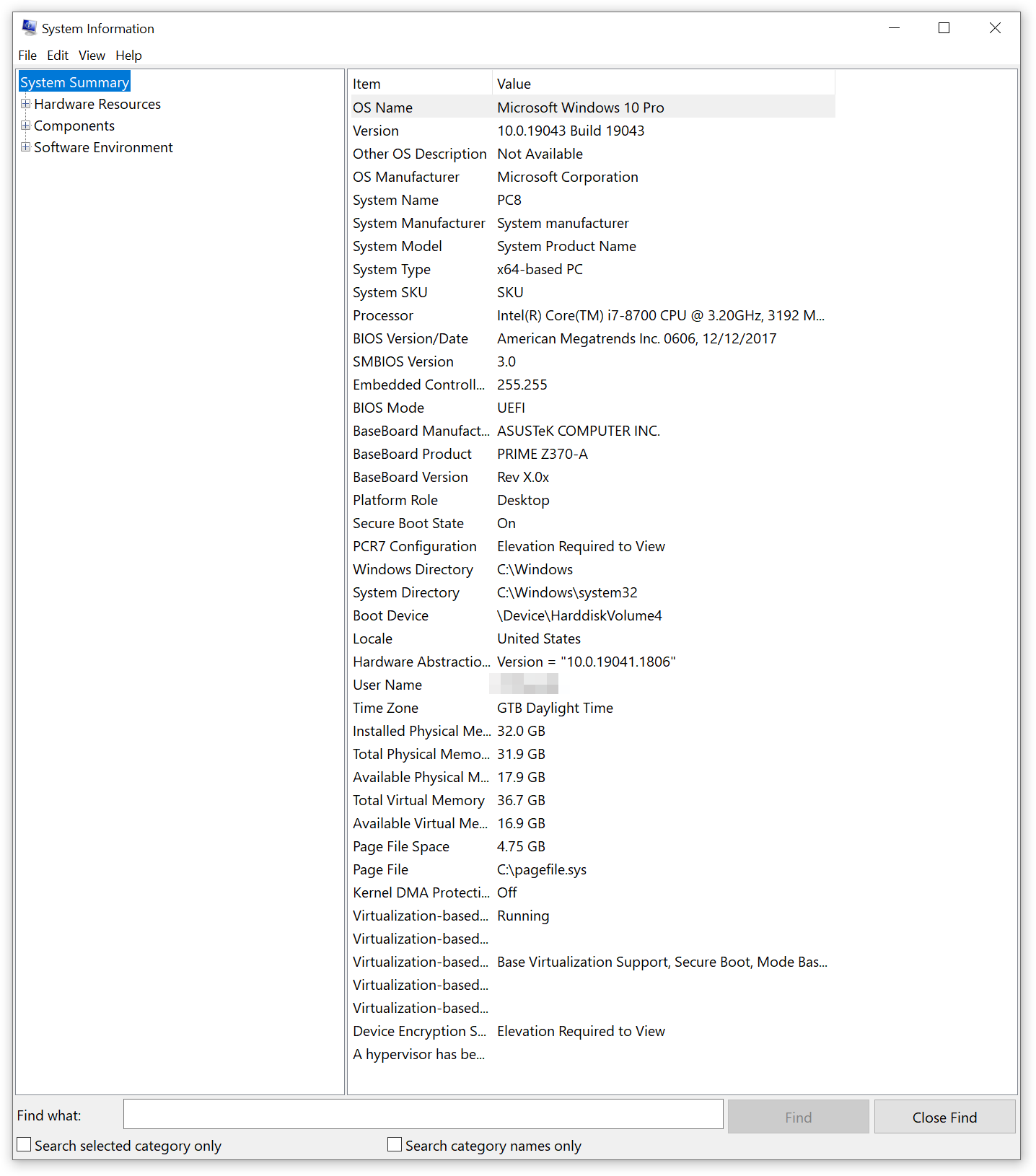
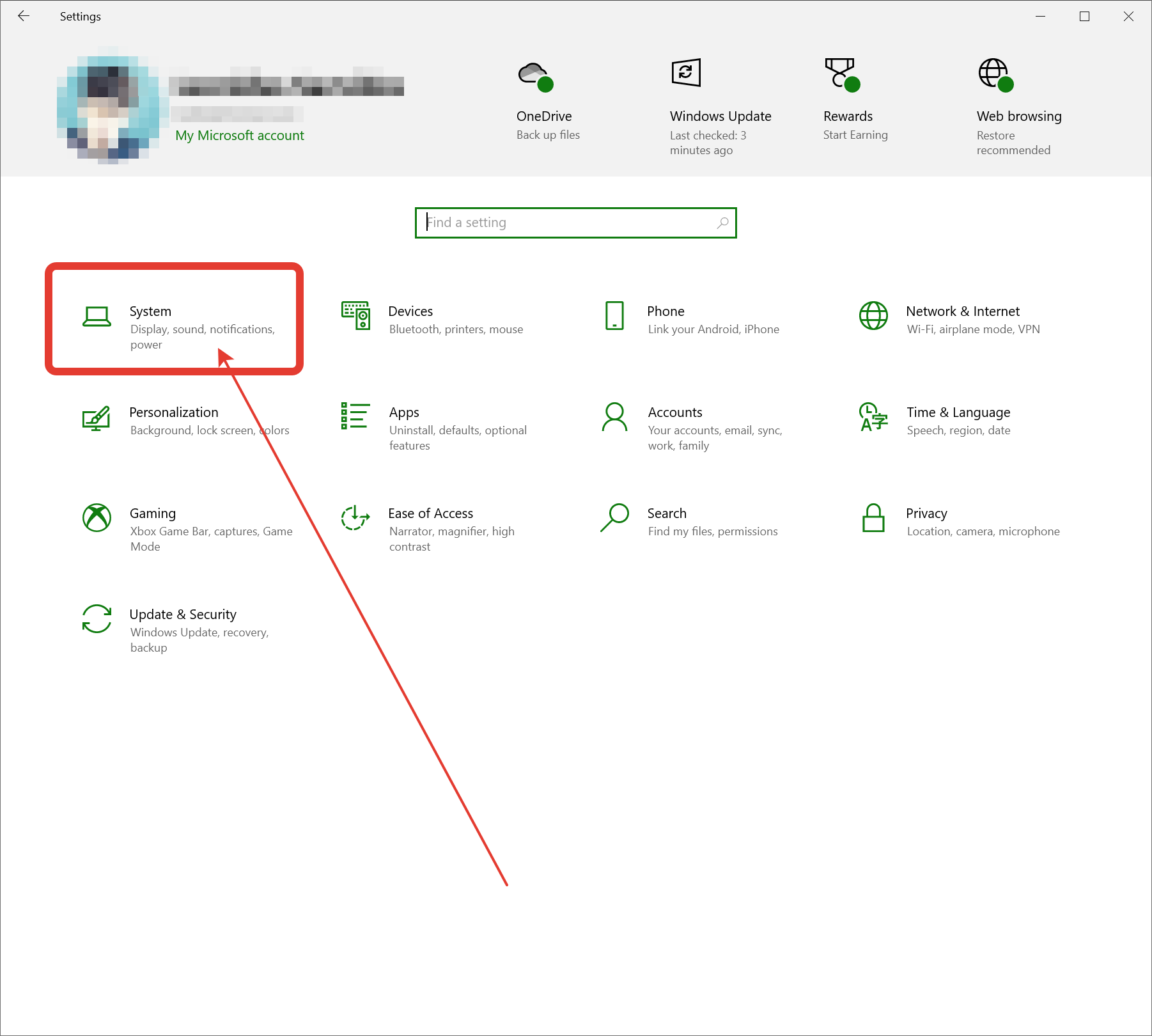
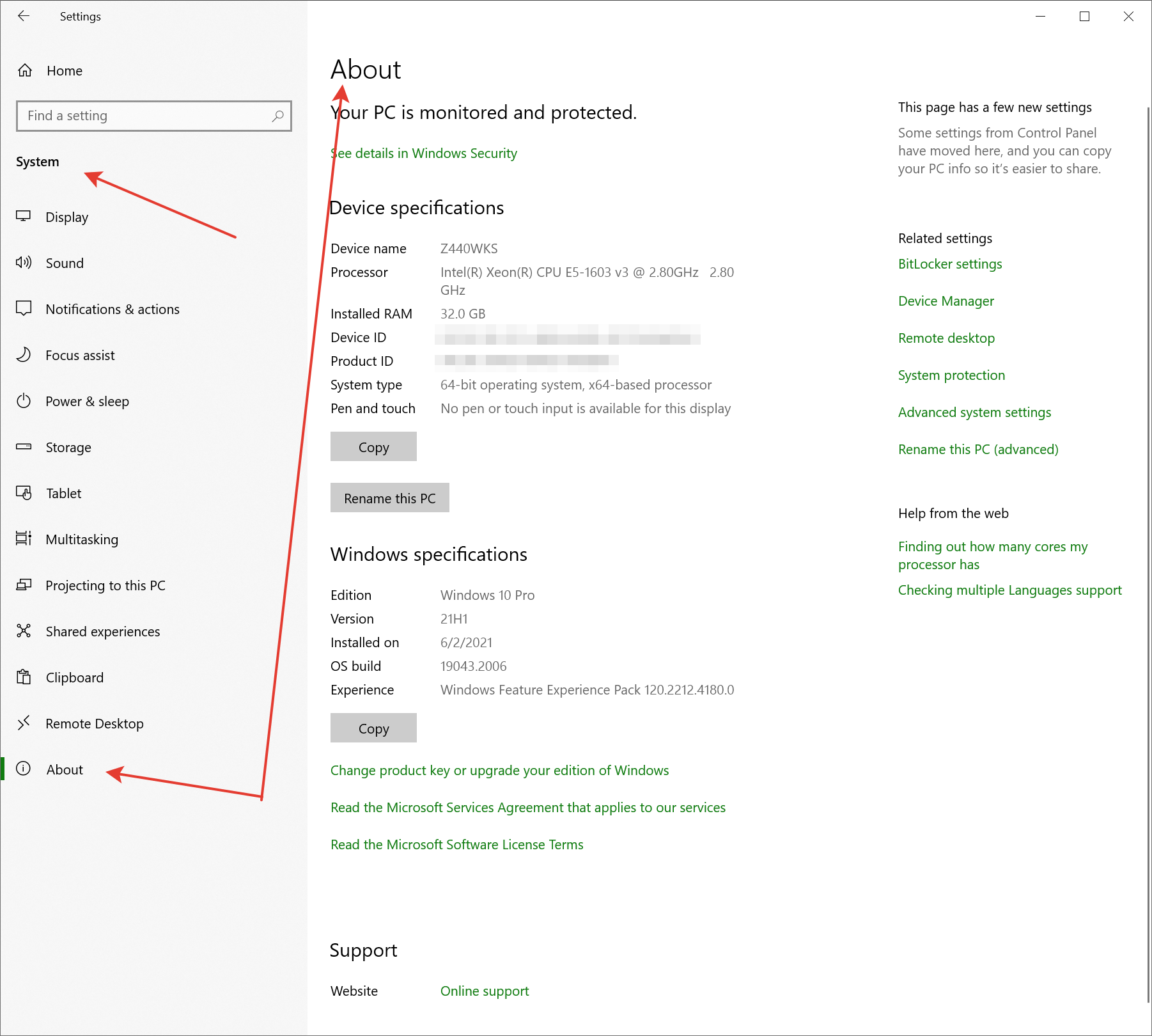
Windows 10 or 11 > Settings > System > About
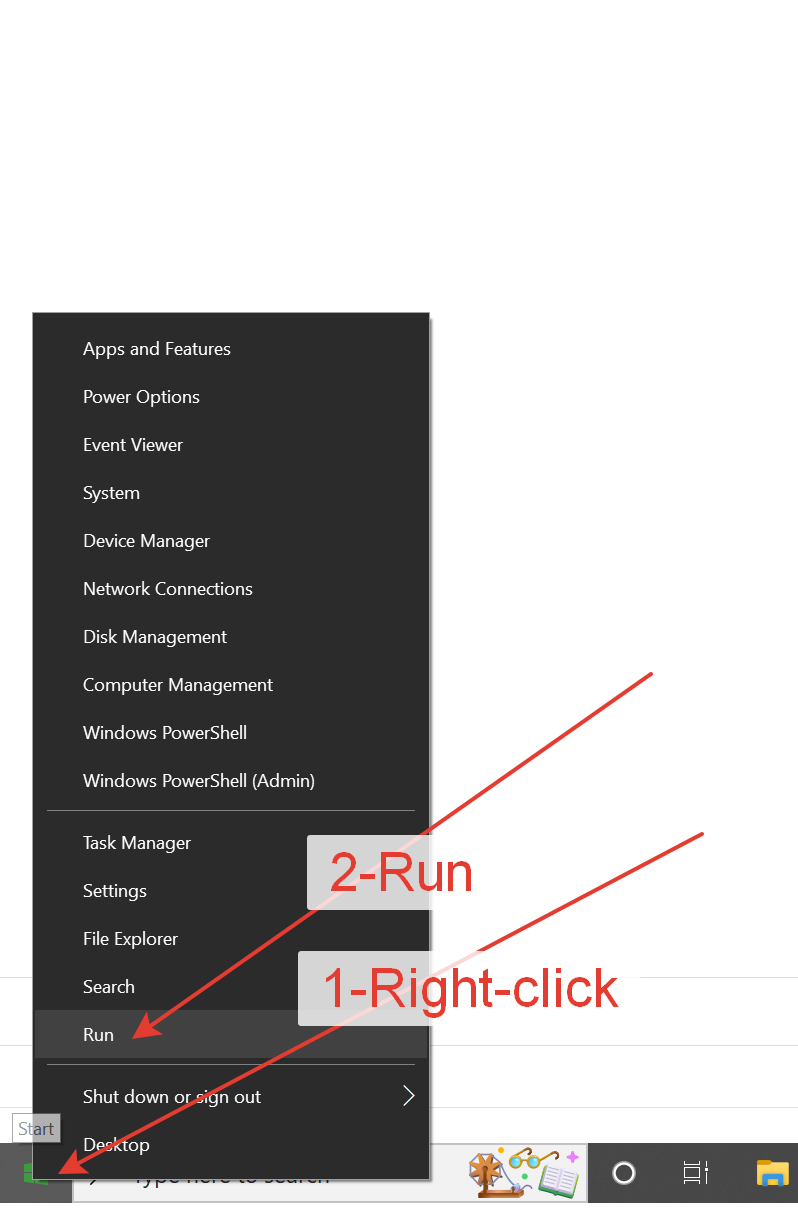
Run: Msinfo32

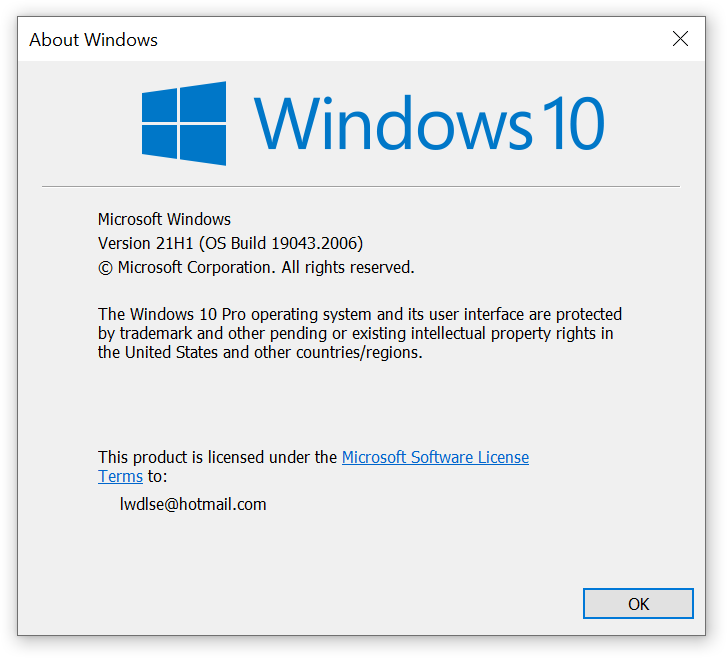
Run: winver

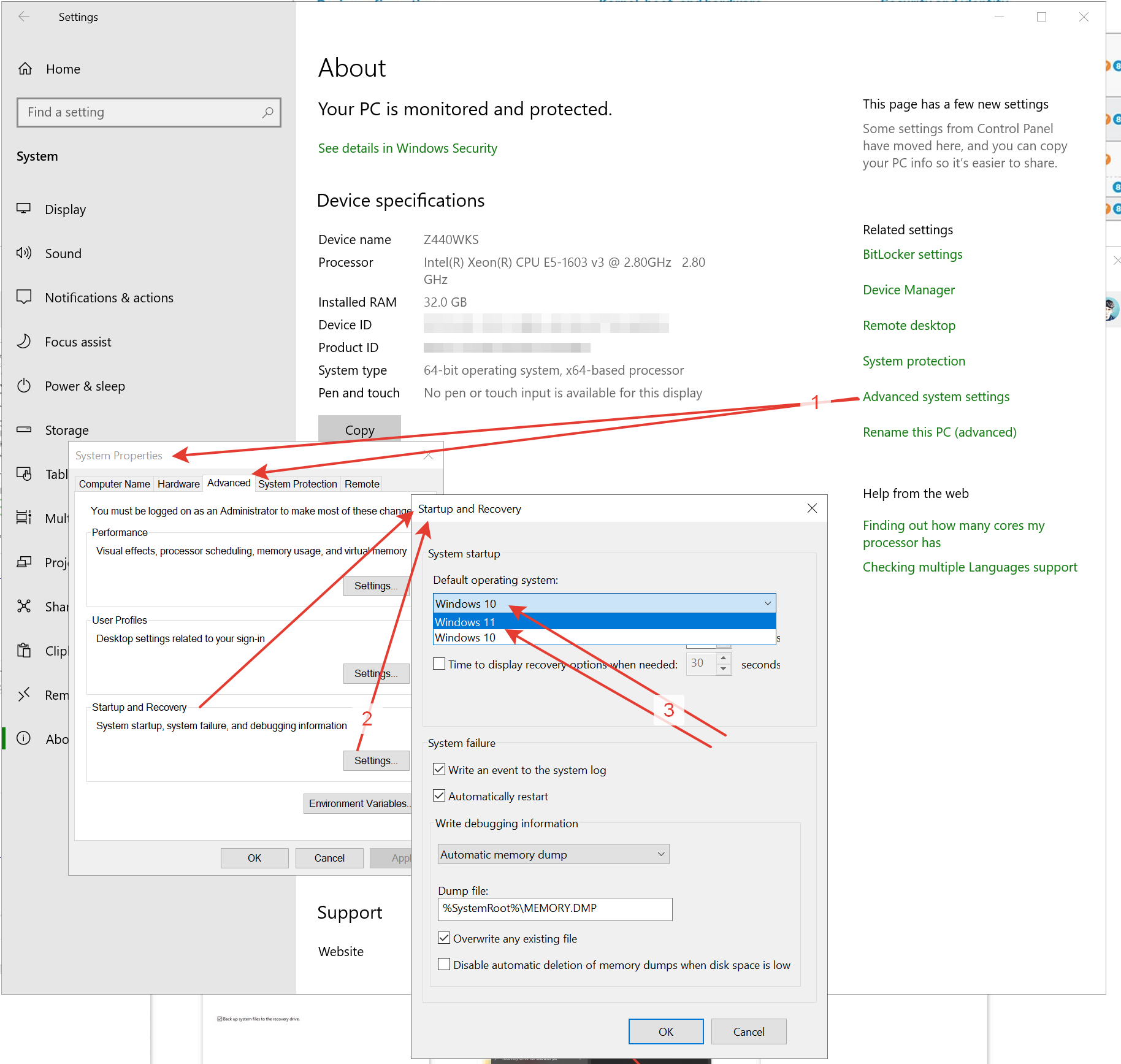
Setup in a Dual Boot PC, Default Boot OS

Run: SystemPropertiesAdvanced > Startup & Recovery: Settings > Default OS

or

Windows 10 or 11 > Settings > System > About > Advanced System Settings > Startup & Recovery: Settings > Default OS
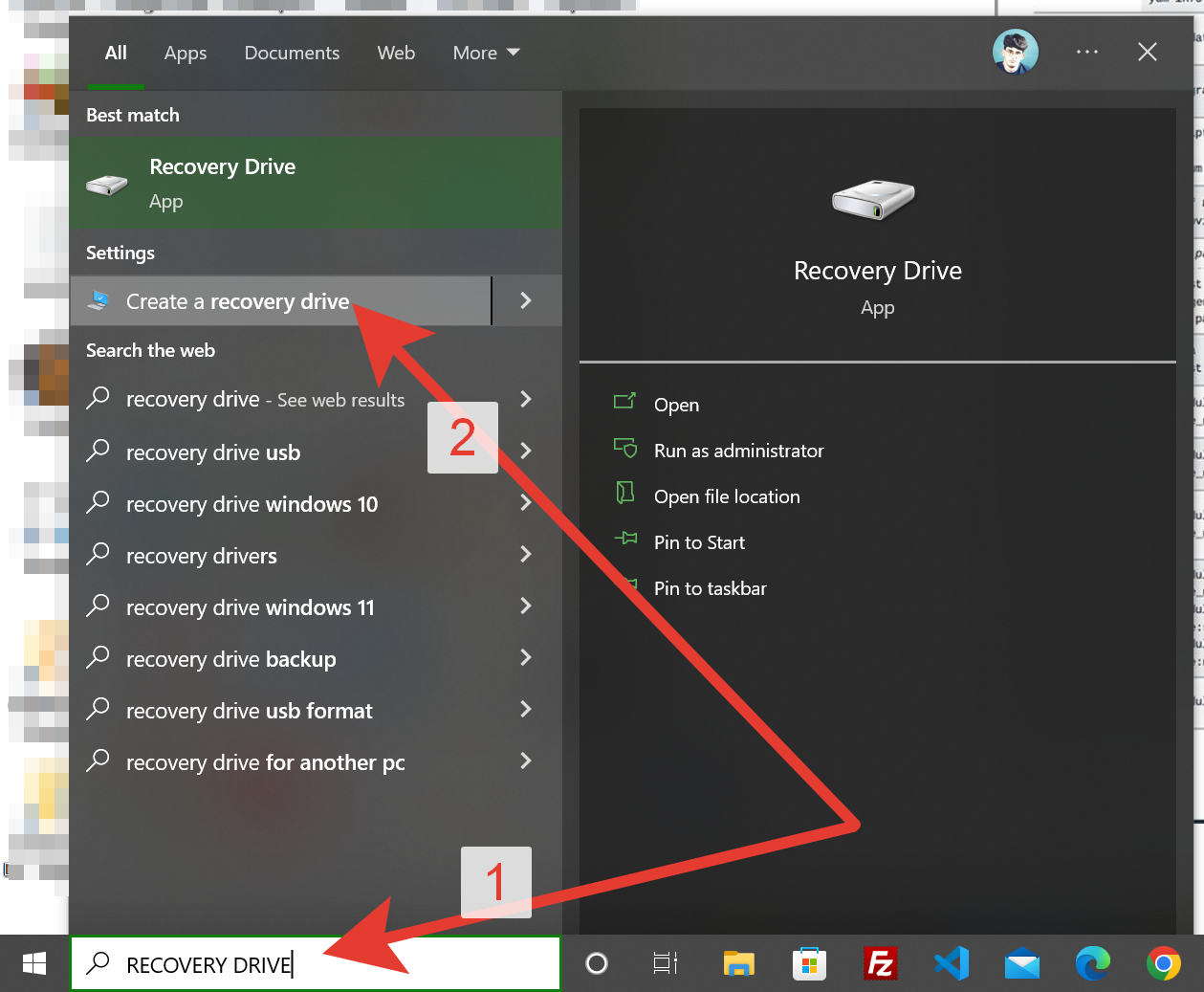
Search Windows or Cortana:

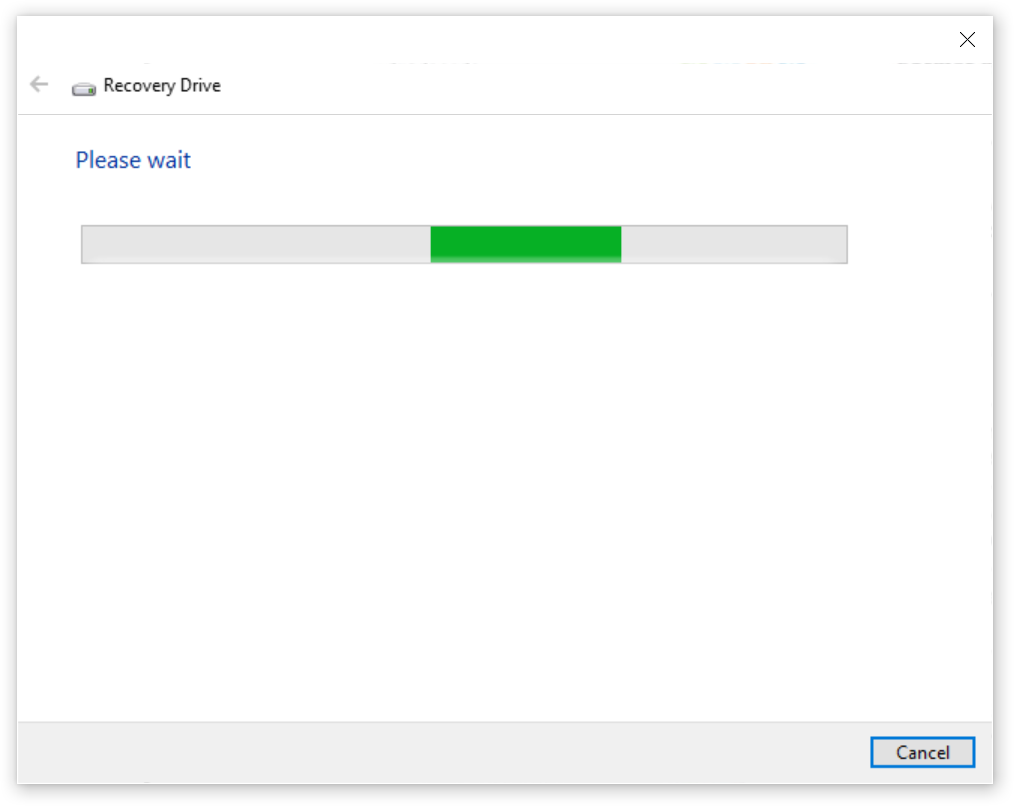
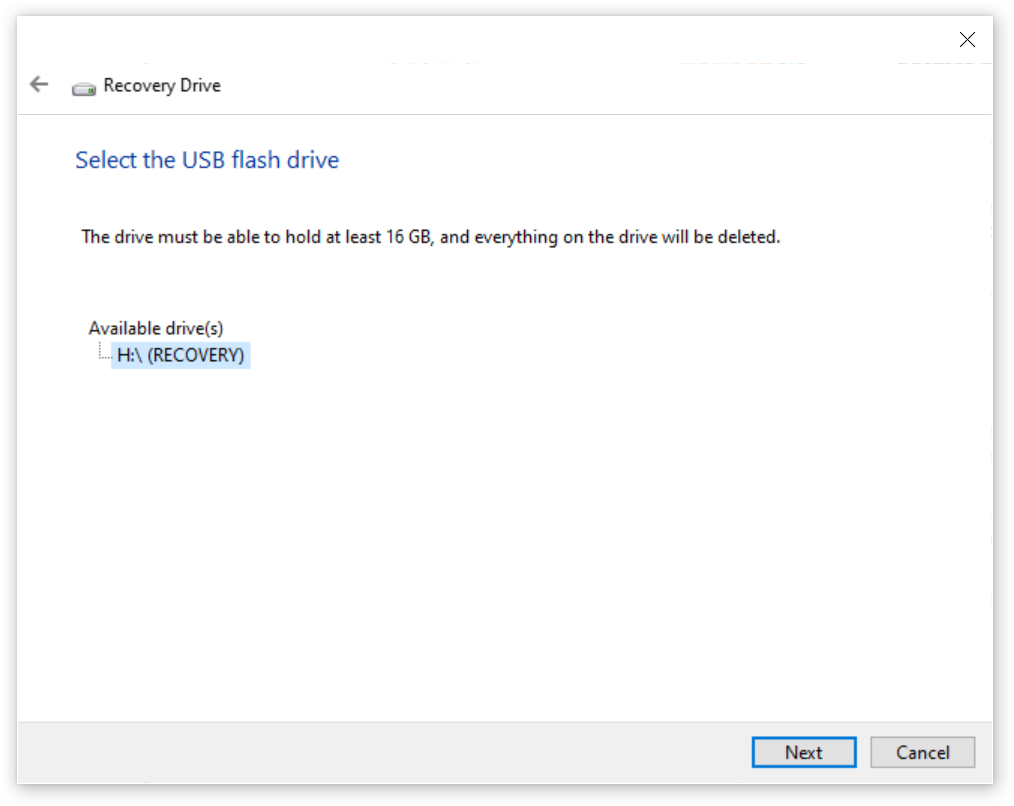
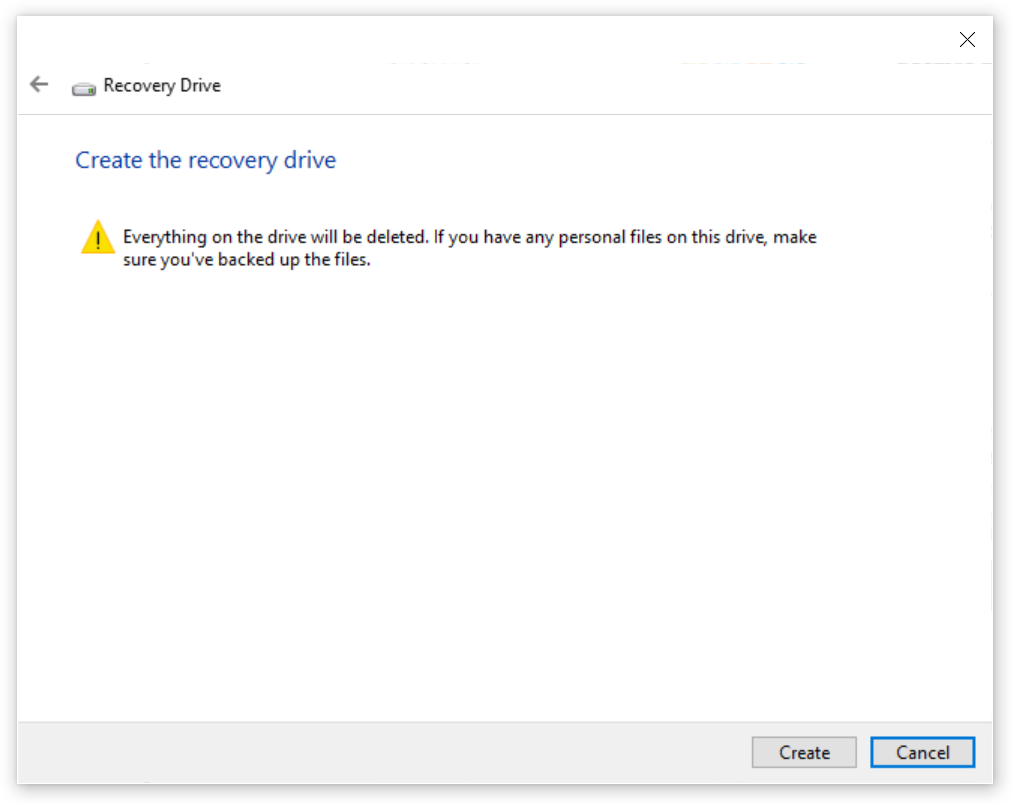
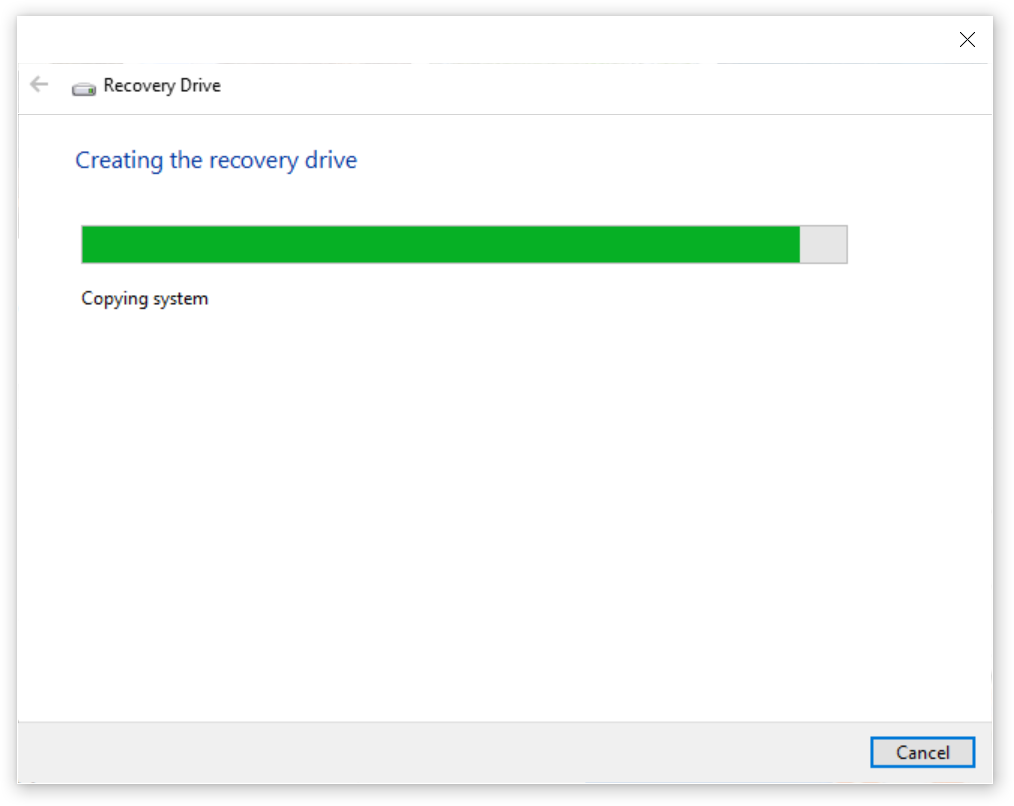
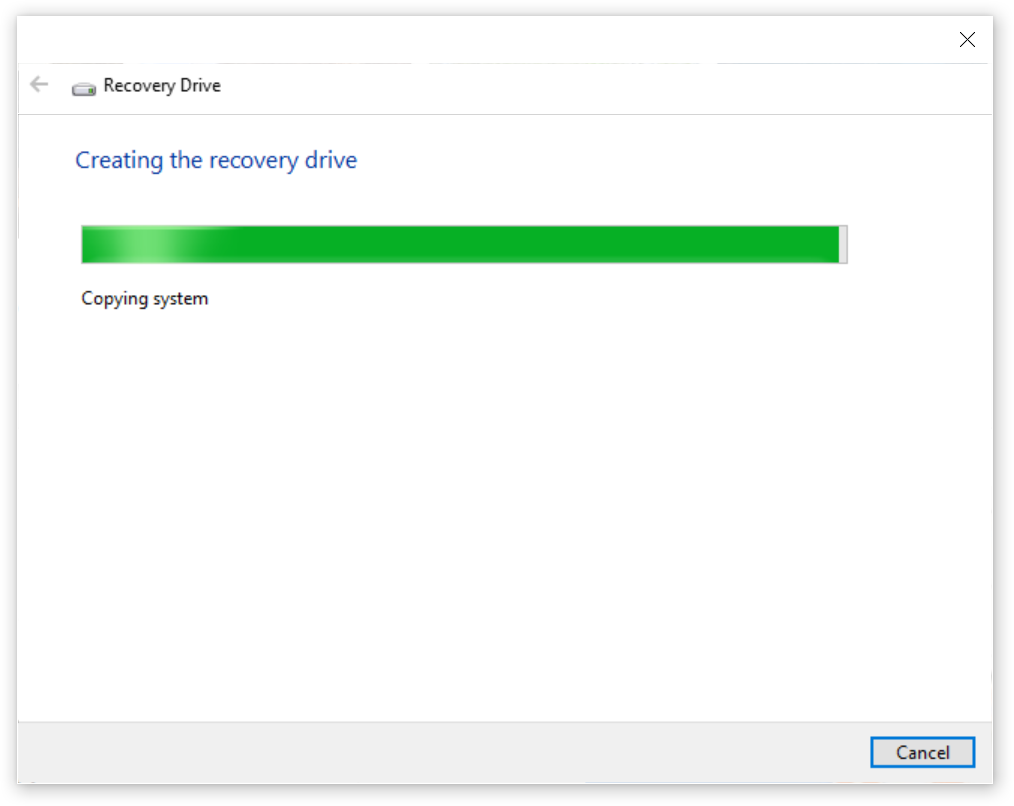
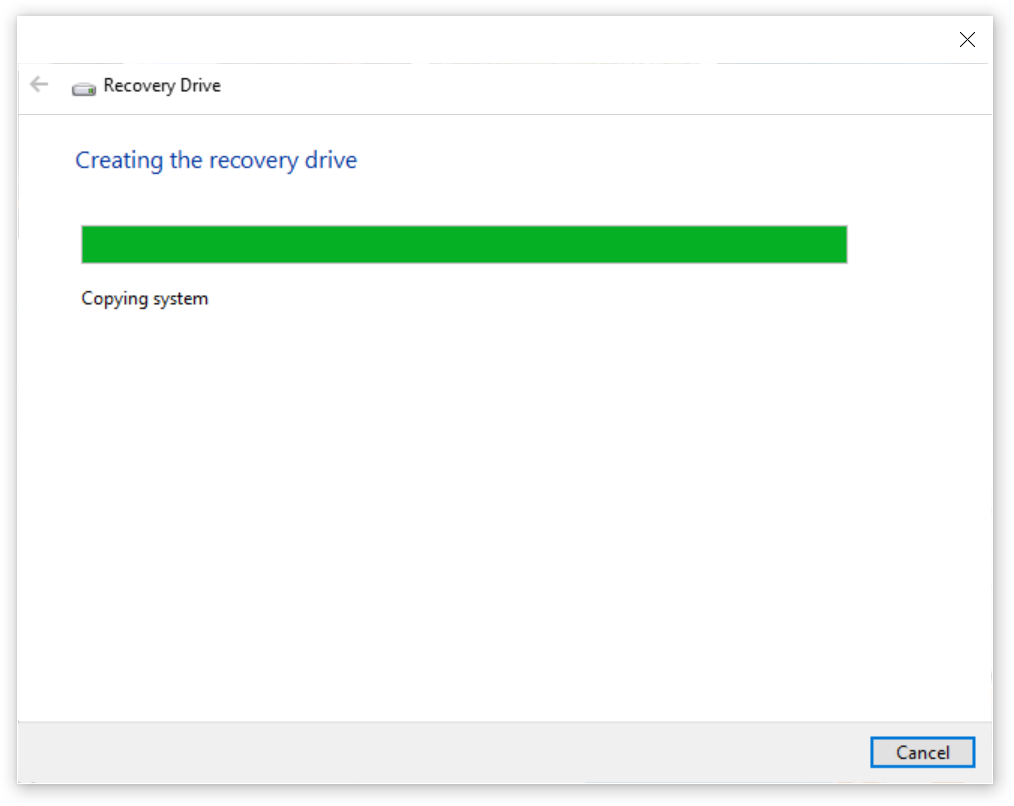
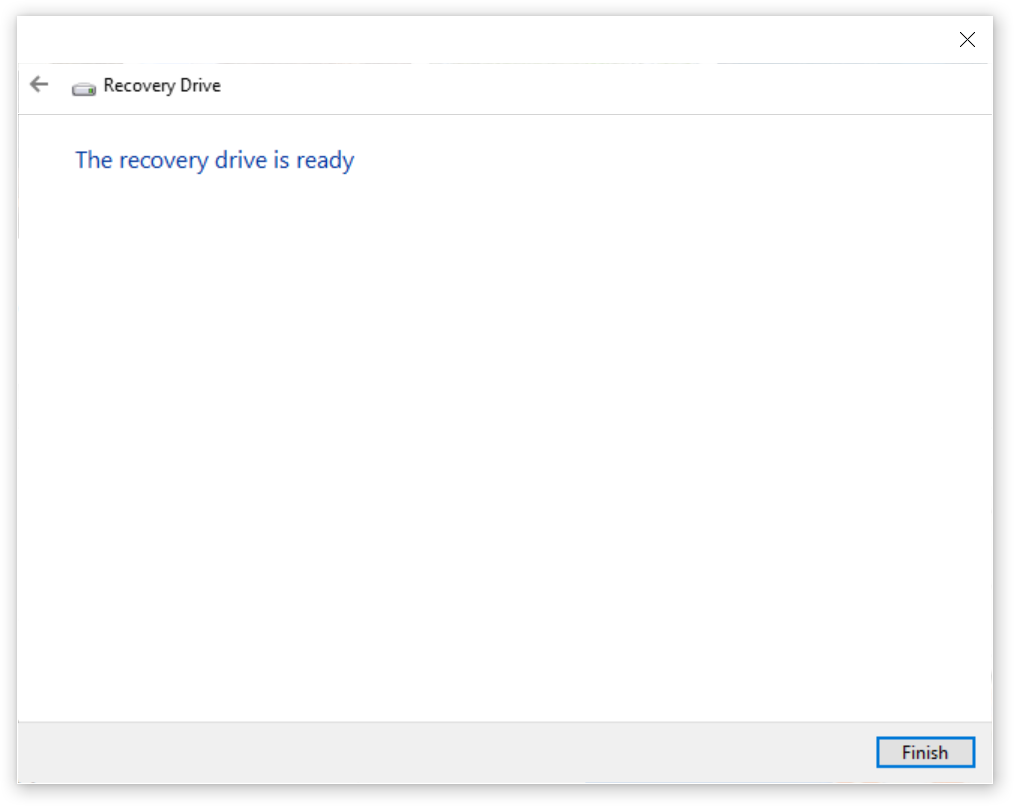
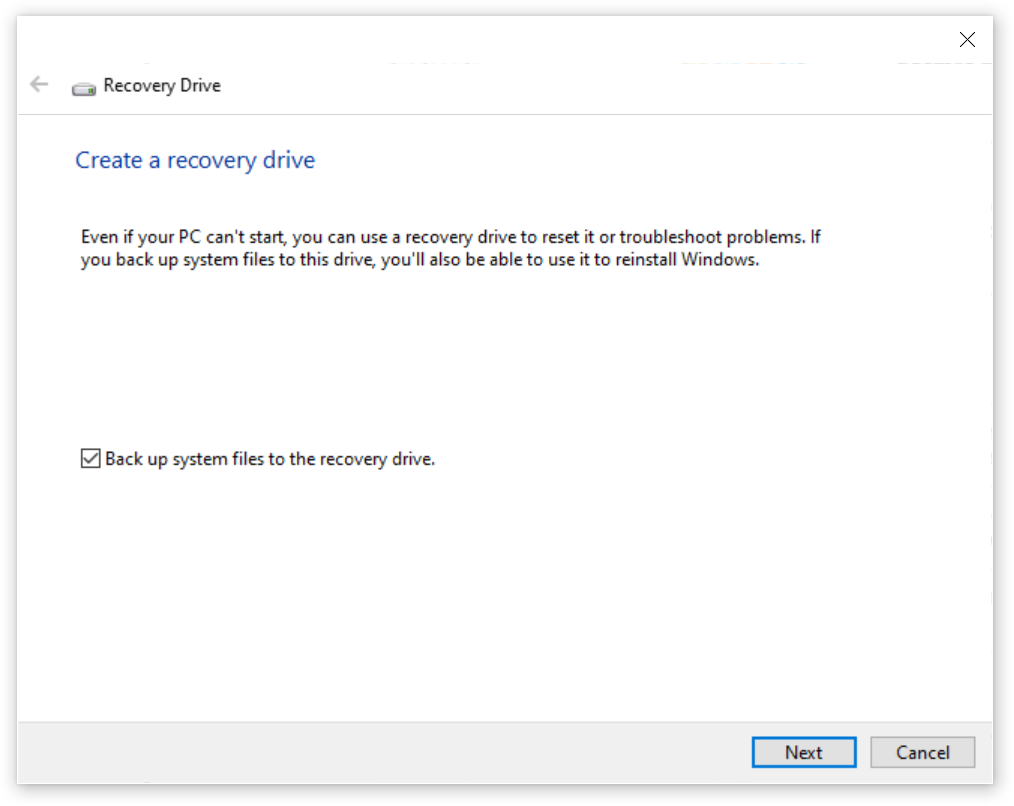
Create Recovery Drive

http://leonidassavvides.com/blog/2022/10/01/create-recovery-drive-usb3-stick-16gb-windows-10/
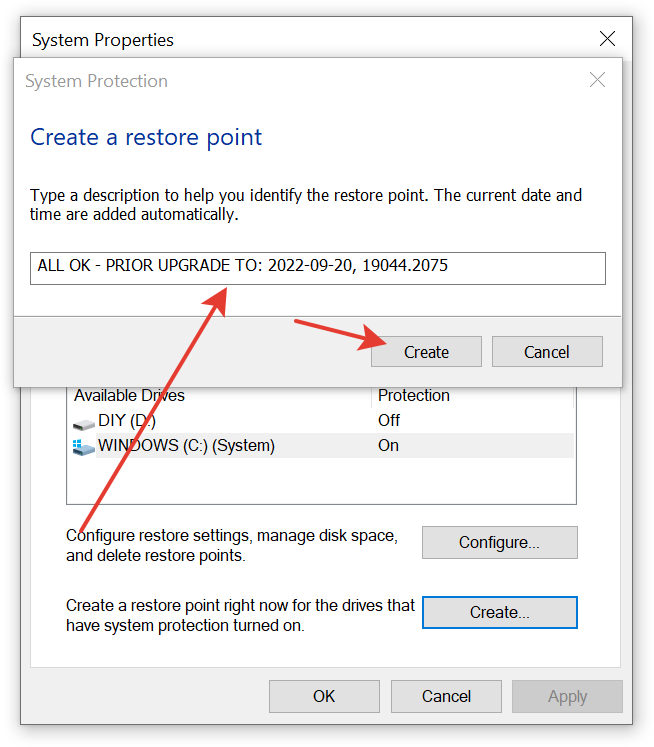
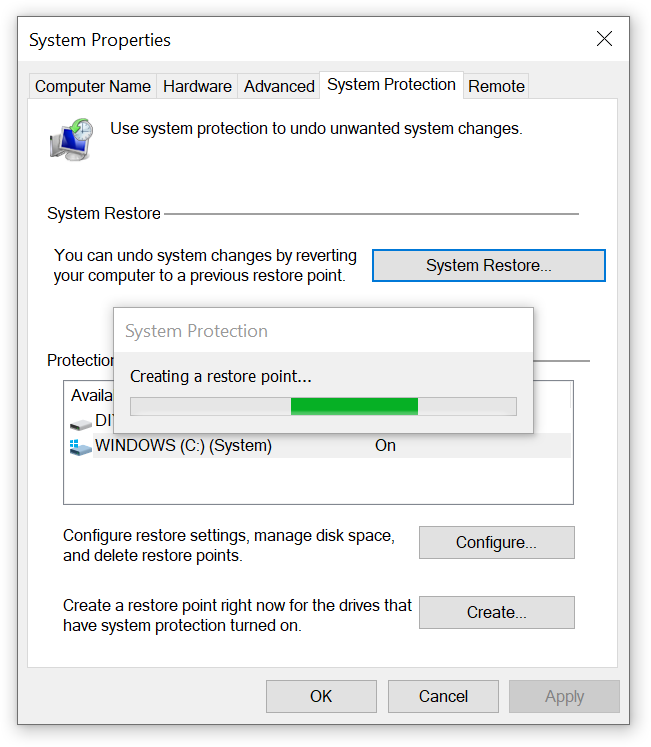
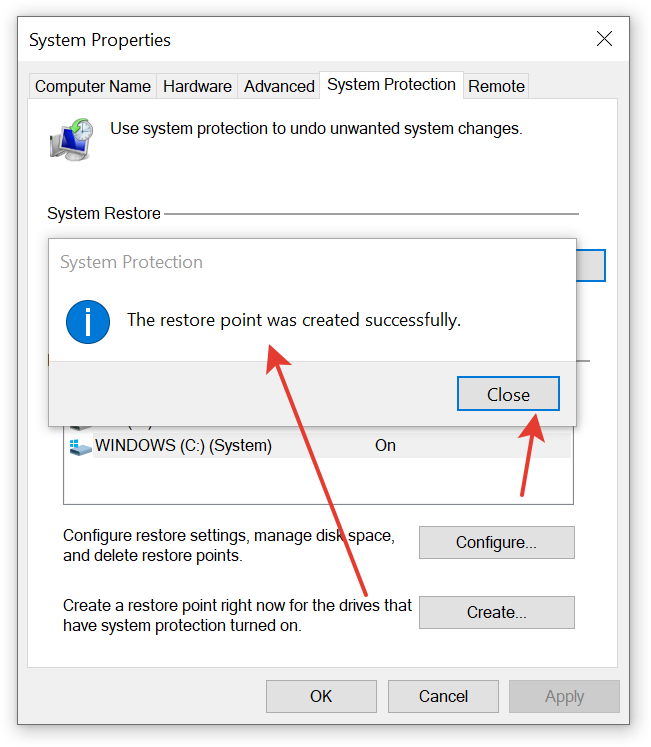
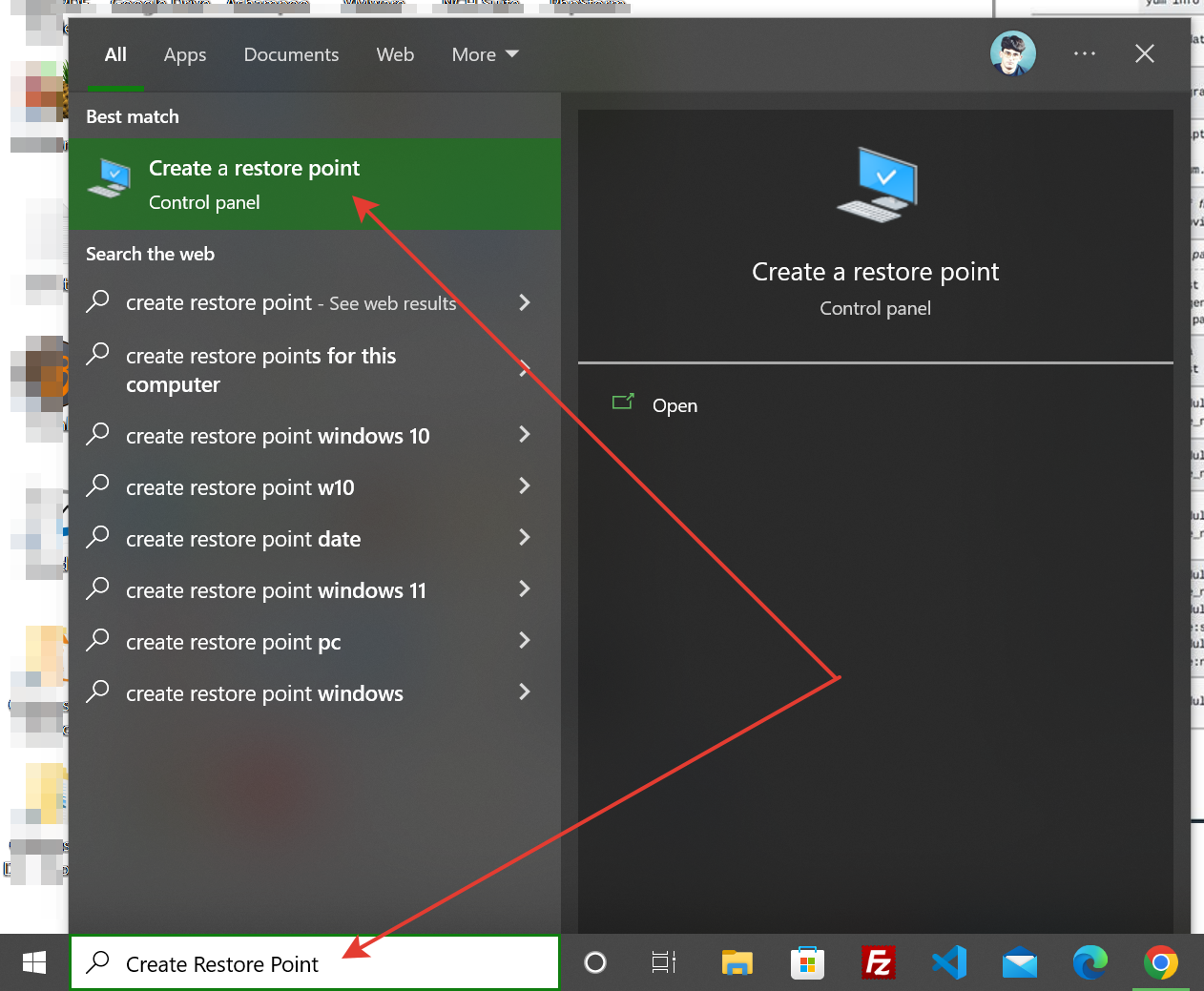
Create Restore Point
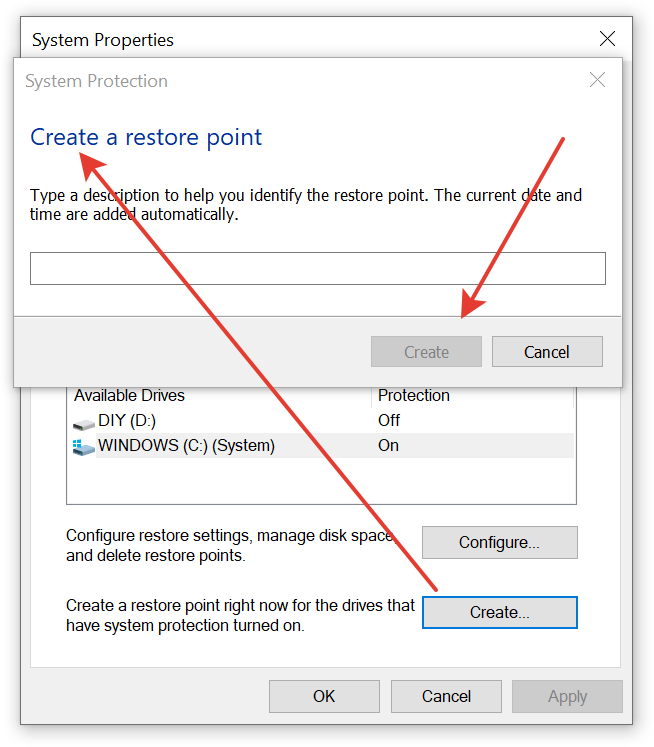
https://support.microsoft.com/en-us/windows/create-a-system-restore-point-77e02e2a-3298-c869-9974-ef5658ea3be9

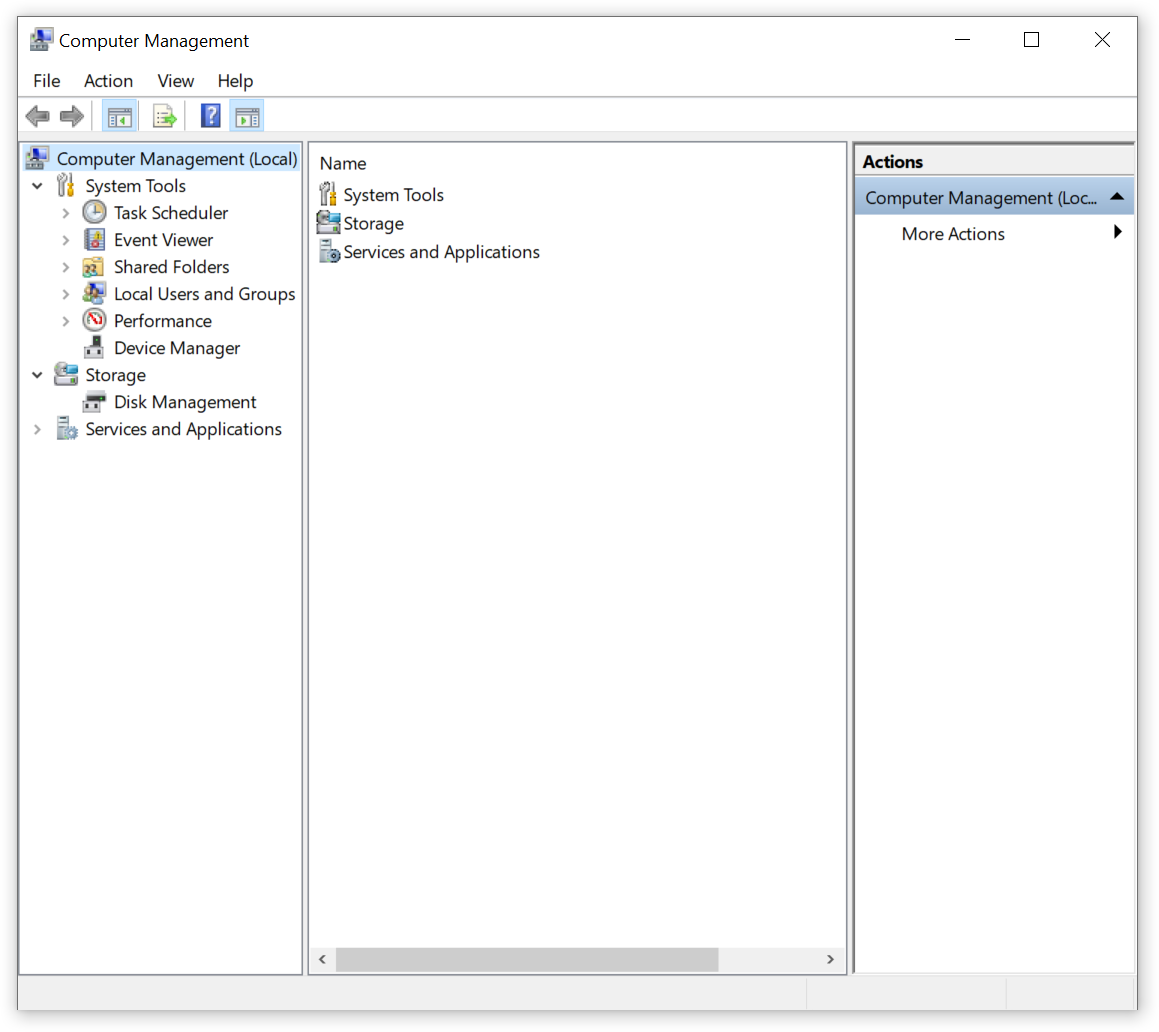
Other System Utilities – Microsoft Windows
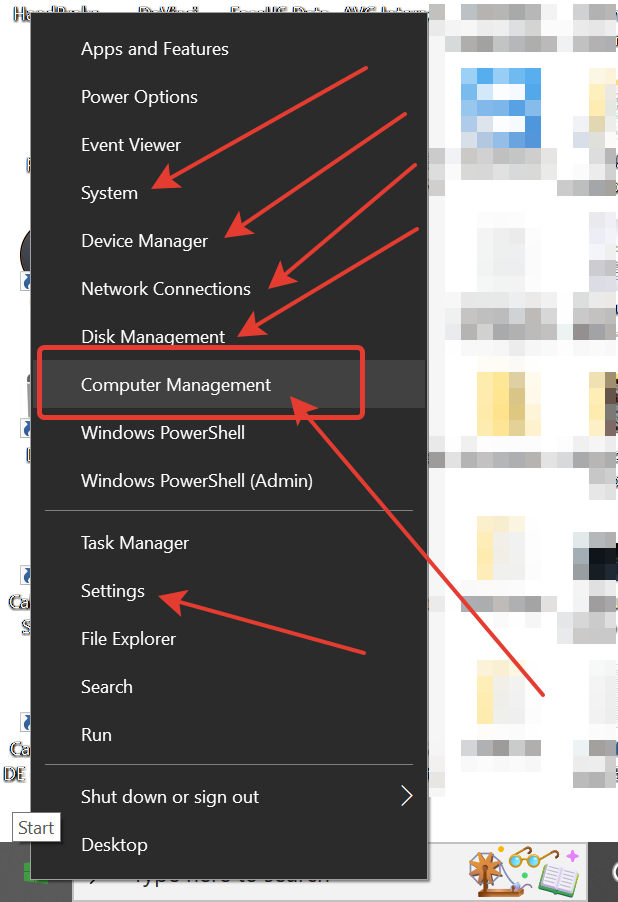
Windows Installation Media Creator Tool

Windows ISO Downloads from Microsoft Software Download Page

https://www.microsoft.com/en-us/software-download/

https://www.microsoft.com/en-us/software-download/windows10

https://www.microsoft.com/en-us/software-download/windows11

https://learn.microsoft.com/en-us/windows/release-health/release-information

https://learn.microsoft.com/en-us/windows/release-health/windows11-release-information


Third-Party Tools

CPU-Z

https://www.cpuid.com/softwares/cpu-z.html
CrystalDiskInfo

https://crystalmark.info/en/software/crystaldiskinfo/

Create RECOVERY DRIVE [USB3 STICK 16GB] Windows 10

Create RECOVERY DRIVE [USB3 STICK 16GB] Windows 10 Pro [19043.2006]

Time complete: ~90 min

Relative Post:

http://leonidassavvides.com/blog/2022/10/02/useful-info-to-keep-for-your-pc-in-case-malfunctions-and-it-needed-for-debugging-yourself-or-by-a-technician/

Bootstrap 5.x Pop-overs As Fast As 3-Steps

Official Docs located here:

https://getbootstrap.com/docs/5.1/components/popovers/

Production Example here:

http://michaeleliasphotovoltaicsystems.com/products.php

STEP-1 [in the place of Popovers – HTML5]:

                    <div class="justify-content-md-center">
                        <h1 class="text-center spacer_bottom">LUXOR SOLAR - Solar Panels</h1>

                        <div class="row justify-content-md-center">
                            <div class="col-xxl-6 col-xl-6 col-lg-6 col-md-12 col-sm-12 col-12">
                                <button id="myPopover1" type="button" class="btn btn-secondary" data-bs-container="body" data-bs-toggle="popover" data-bs-placement="top" >
                                    <img style="max-height: 1000px; height: 100%;" class="img-fluid" src="https://clients2021.s3.eu-central-1.amazonaws.com/Solar/assets/images/JPGs/Solar-Panels/Solar-Panel_LUXOR_Eco_Line_HC_M120_FB_365-385W_166cs-1.jpg" alt="Solar-Panel_LUXOR_Eco_Line_HC_M120_FB_365-385W_166cs" />
                                </button>
                            </div>
                            <div class="col-xxl-6 col-xl-6 col-lg-6 col-md-12 col-sm-12 col-12">
                                <button id="myPopover2" type="button" class="btn btn-secondary" data-bs-container="body" data-bs-toggle="popover" data-bs-placement="top" >
                                    <img style="max-height: 1000px; height: 100%;" class="img-fluid" src="https://clients2021.s3.eu-central-1.amazonaws.com/Solar/assets/images/JPGs/Solar-Panels/Luxor-Solar-Panel-Warramty-LX-PWEX-15plus-EN-1.jpg" alt="Luxor-Solar-Panel-Warramty-LX-PWEX-15plus years" />
                                </button>
                            </div>
                        </div>
                    </div>

STEP-2 [Bottom, Below The Footer]:

<!--===== script start =====-->
<script src="assets/js/jquery.min.js"></script>
<script src="assets/js/popper.min.js"></script>
<script src="assets/js/bootstrap.min.js"></script>

STEP-3 [Bottom, Below/After Step-2]:

<script>

    $(document).ready(function(){

        $("#myPopover1").popover({
            title: '<h6 class="custom-title"><i class="bi-info-circle-fill"></i> LUXOR SOLAR More info</h6>',
            content: '<div><a target="_blank" href="/LX_EL_HC_M120_340-360W_1684x1002x35_SF_158cs_en_low.pdf">Link Doc PDF</a> &nbsp; - &nbsp; <a target="_blank" href="https://www.luxor.solar/en/index-en.html">Luxor Web-Site</a></div>',
            html: true
        });

        $("#myPopover2").popover({
            title: '<h6 class="custom-title"><i class="bi-info-circle-fill"></i> LUXOR SOLAR More info</h6>',
            content: '<div><a target="_blank" href="/LX-PWEX-15plus-EN.pdf">Link Doc PDF</a> &nbsp; - &nbsp; <a target="_blank" href="https://www.luxor.solar/en/index-en.html">Luxor Web-Site</a></div>',
            html: true
        });
   });

</script>

That’s it…!!!

========================